One flick, one beat: building a scroll story that waits for you
· 5 min read
On a phone, one flick was carrying our home page through several scenes half-built. Here is the small engine we wrote to stop that, and what we measured along the way.
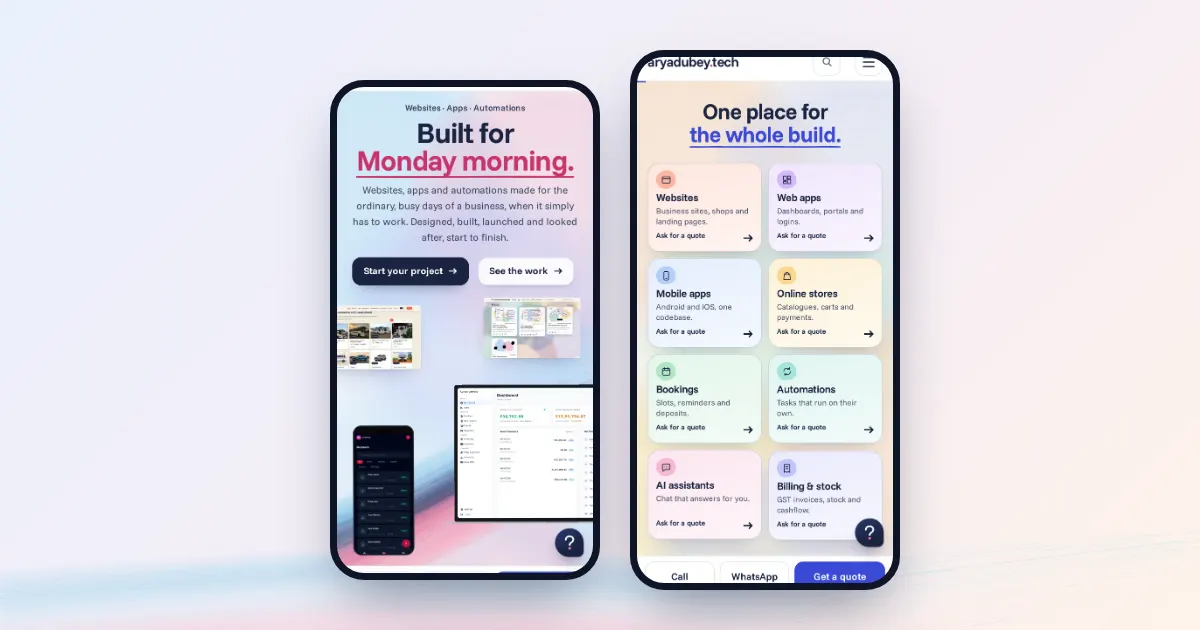
Our home page tells its story in scenes. Pieces arrive, hold, and leave as you scroll. On a desktop with a mouse this behaved well early on. On a phone it fell apart.
A phone's scroll has momentum. One flick keeps travelling after your thumb has left the glass, and the browser decides how far. In our first version one flick carried the page through three to five scenes, so most of them passed by half-built. Slowing the animation down made it worse: in a headless test the picture kept moving for up to two seconds after the flick, which felt like lag.
Changing the speed wasn't going to fix that. The problem was that the page and the visitor disagreed about how far one gesture should go.
#The rule
We wrote one rule and built everything around it:
Inside the story, one gesture moves exactly one beat, and the beat lands fully built.
A beat is a resting point: a scene, or one step inside a scene that builds in stages. When a gesture arrives, we take over and glide the page to the next beat. Outside the story, scrolling is left alone. At the first and last beat, a gesture pointing outward scrolls on as normal, so the story can never trap anyone.
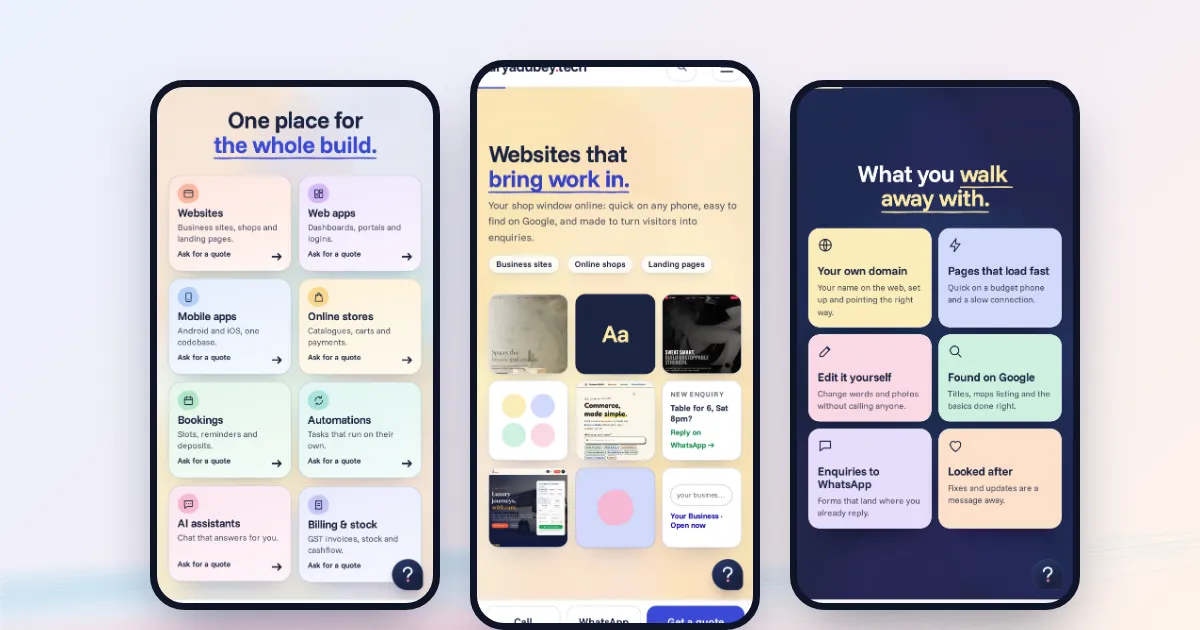
The engine is about 130 lines and sits on top of Lenis, which gives us a hook that sees every scroll input before anything moves.
#There is no "gesture" event
The hard part is on the desktop. A mouse wheel sends separate notches, a trackpad sends a long stream that fades out as inertia, and the browser reports both as wheel events. We have to work out when one gesture ended and the next one began, from the numbers alone.
// A new gesture: a pause that brings a stronger push, a separate mouse notch,
// a long pause, or a push rising out of inertia. Never more than one beat per 0.5 s.
if (now - lastStep > 500 && ((gap > 220 && grew) || (gap > 300 && mag >= 60) || gap > 650 || rising)) go(B + dir)
The idea underneath is that inertia only ever decays. If the stream of values climbs again, a finger must have pushed again. That is what rising looks for: the last 350 ms of the stream had really died down, and now it is growing.
We also learned to compare event timestamps and not the wall clock. On a heavy page, a slow frame looks like a pause, and a pause looks like a new gesture.
On touch screens there is one more job. A fling that enters the story from outside has to stop at its first beat, not sail through. Setting overflow: hidden for a moment kills native momentum dead. We only do this on coarse pointers, because on a desktop it hides the scrollbar and shifts the whole page sideways by its width.
#The second problem: "it just disappears"
With one flick per beat working, a headless test at 390 px showed 10 flicks making 10 beats, with every frame fully built 0.7 s after a flick. By the numbers it was done.
On a real phone it still felt wrong, because pieces seemed to vanish the moment you touched the screen. Making the glide longer didn't help, and measuring showed why.
The resting points sit a long way from where a scene starts to leave. So most of a glide crossed scroll distance where nothing on screen changes, and then the part that does change flashed past at the end. On top of that, each piece had a speed multiplier, inherited from the early version, that squeezed its motion further.
So we started measuring one specific thing: the time from a flick until the pieces are gone.
| At 390 px, real touch input, headless | Before | After |
|---|---|---|
| Hero pieces gone after | 90 ms | 610 ms |
| Other scenes' pieces gone after | about 130 ms | about 350 ms |
Two changes did most of it. The first was to skip the dead distance. We know exactly which stretches of scroll change something, so the easing curve spends all its time inside those stretches:
// Where scrolling actually changes something: a slide's exit start → the next slide fully in.
// Between those windows the stage doesn't change, so a glide skips them.
const liveEase = (u0, u1, curve) => { /* map the curve onto the live stretches only */ }
The second was a gentler curve and softer multipliers, so pieces move at a pace you can follow:
const evenCurve = (t) => 0.5 * t + 0.2 * (1 - (1 - t) ** 3) + 0.3 * (0.5 - Math.cos(Math.PI * t) / 2)That curve is mostly linear on purpose. A strong ease-out spends its energy in the first few frames, which is exactly what made things look like they vanished.
#A bug worth knowing about
If a visitor clicks a menu link during a glide, the link's scroll replaces ours and the glide's completion callback never runs. The engine then believes it is still gliding. On one of our builds, the next wheel event pulled the page back into the story. The fix is a small counter: every in-page jump bumps it, and the engine ends its glide when it sees the number change.
Testing this taught us something too. Synthetic wheel events on a busy page get delayed by blocked timers, which fakes pauses. Before blaming the detector, confirm beat counts with trusted input from the browser's debugging protocol.
#What these numbers are
Everything above was measured headless on a small server with no GPU, so treat the timings as a way to compare versions, not as what your phone will do. The final call came from flicking through it on a real phone, fast and slow, until it felt right. You can try the result on our home page.