Why our phone and desktop scroll run on separate numbers
· 4 min read
We tuned the scroll on phones until it felt right. Then the desktop, whose code had not changed, started to look sloppy. Here is what we did about it.
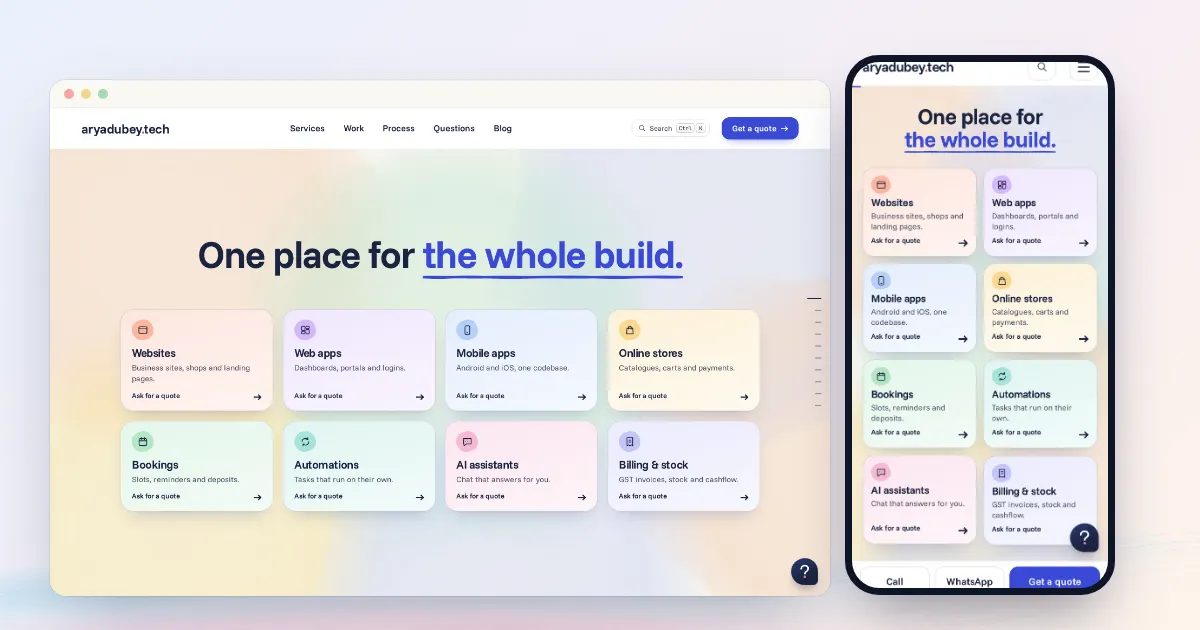
We spent a long time getting the home page's scroll right on phones. When it finally felt right we opened the same page in desktop Chrome, and it looked rushed and sloppy next to the phone.
The natural guess was that the phone work had broken something. We checked. The phone changes sat behind their own condition, so the desktop's path had not changed at all. The phone had got better, and that showed how fast the desktop's numbers had been all along.
So we gave each device its own numbers and tuned them separately.
#Splitting them
The split is one media query, and it asks two things:
const phoneMq = matchMedia('(max-width: 767px) and (pointer: coarse)')A narrow desktop window isn't a phone, because it still has a mouse. A tablet or a phone held sideways falls outside the query, so those get the desktop numbers. Visitors who ask for reduced motion get neither set.
Everything else on the page shares the same engine and the same scenes. Only the pacing differs.

#The numbers
| Phone | Desktop | |
|---|---|---|
| Glide between scenes | 1.05 s | 0.95 s (1.1 s at a chapter change) |
| Re-targeted glide (a new gesture mid-glide) | 0.85 s | 0.75 s |
| Steps inside a scene | 0.8 s | 0.7 s |
| Piece speed multiplier | x1.45 | x1.6 |
| Word speed multiplier | x1.5 | x1.6 |
| Exit speed multiplier | x1.05 | x1.2 |
| Leaving pieces stay solid for the first | 30% | 35% |
The desktop started at a 0.65 s glide with pieces at x2.6 and exits at x1.7. Most of the sloppiness came from those multipliers, so that is where most of the change went.
Both devices now use the same near-even curve, and both skip scroll distance where nothing on screen changes. The hero also got two beats on both: the first gesture builds it, the second sends it away in stages.
We can't give you a formula for these values. We reached them by trying a version, watching it on the real device, and adjusting. Each device took about three rounds. Once the numbers felt right we wrote them down as our default and stopped changing them, and they now go onto new sites as a starting point.
#The bugs the desktop had been hiding
Slowing the desktop down made some old problems easy to see, and none of them were about speed.
A sideways jump. The trick we use to stop a phone's momentum is setting overflow: hidden for a moment. On Windows Chrome that also hides the scrollbar, and the whole page shifts about 15 px. We never saw this in testing, because Playwright hides scrollbars by default. It only showed up with this launch option, while logging clientWidth on each frame:
chromium.launch({ ignoreDefaultArgs: ['--hide-scrollbars'] })The fix was to apply that trick only on coarse pointers.
A double step from trackpads. A trackpad's inertia can outlast a glide, so one swipe sometimes counted as two. The detector now looks at the last 350 ms of the stream and treats a fading stream as the same gesture.
Hover pops. A mouse resting on the page would trigger hover effects on cards as they sailed past underneath it. While a glide is running, cards no longer react to the mouse:
onGlide: (on) => { if (desk()) stage.classList.toggle('is-gliding', on) }#Moving the numbers to other sites
When we rolled the same feel out to other builds, copying the values wasn't enough. Each site turned out to rush for its own reason:
- One scene used a steep curve, so it flashed by in about 150 ms inside a 700 ms glide.
- Another waited for a scroll threshold and stood still for about 250 ms before it moved.
- A 3D scene tied to scroll position looked wrong when dead distance was skipped outright, so it now crosses those stretches at low weight.
So we measure first on every site, using the same question: how long after a gesture does something visibly change, and how long until it is gone? Then we fix that site's own cause.
Timings here come from headless runs on a server without a GPU, so they're for comparing versions. Whether the scroll feels right gets decided on the actual devices.